





Trying to find the best app for cheap flights? There are plenty to choose from, but no single app comes out on top. It really depends on what you’re looking for. Maybe you want to compare fares, find some sneaky deals, or book your next trip. But if you’re going to download an app, it should offer something you can’t get from a website, like live itinerary updates or easy access to your boarding passes.
In this article
Take Kiwi.com, for example. Our app brings everything together in one place. You can find cheap flights with airlines that don’t usually collaborate and check baggage prices before you hit that buy button. Want a little extra peace of mind? On eligible self-transfer bookings, you can also add the Kiwi.com Guarantee. If a delay or cancellation breaks your connection, you get Kiwi.com Credit for a replacement flight or help applying for a refund from the airline.
Key takeaways
One app for finding and booking. The Kiwi.com app lets you search for fares and book your flights on one platform, with baggage prices visible before you pay.
Match the app to how you travel. Open to travelling on different dates? Try Skyscanner. Need price alerts or more search filters? KAYAK has you covered. Hopper is another option when you're trying to figure out the best time to book.
Booking through a travel agency. For booking through a travel agency, check out Trip.com or Opodo.
Google Flights has no app yet. As for Google Flights, there's no official app yet. You'll need to visit the website through your phone's browser to use it.
The Best Apps for Cheap Flights Compared
Let’s look at some of the best apps for cheap flights as of November 2026. We’ve grouped them into flight search apps and booking apps, so you can easily compare their features and see which ones could help you save money on your next flight.
Find flights for this trip

What sets Kiwi.com apart is that it combines airlines that don’t usually work together in one itinerary, with optional protection on eligible connections.
| App | Find, book or both | Standout mobile feature | Price alerts | Flexible dates | Multi-airline itineraries | Protection on connections |
|---|---|---|---|---|---|---|
| Kiwi.com | Both | AI search and multi-city planner | Yes | Yes (interactive calendar) | Yes | Kiwi.com Guarantee on eligible self-transfers |
| Skyscanner | Find | Everywhere search | Yes | Yes (whole-month view) | Varies | Depends on where you book |
| KAYAK | Find | Detailed filters and Ask AI | Yes | Varies | Varies | Depends on where you book |
| Hopper | Find and book | Buy-or-wait predictions | Yes | Varies | Varies | Flight Disruption Guarantee |
| Trip.com | Both | Trip management | Yes | Yes | Varies | Varies |
| Opodo | Both | Automatic check-in | Varies | Varies | Varies | Varies |
Kiwi.com Finds and Books Cheap Flights - Best App Overall
The Kiwi.com app is more than just a tool for multi-city searches . You’re able to get creative with your routes, mixing low-cost and full-service airlines to put together an itinerary that suits your plans. It’s a great way to discover more affordable ways to travel around Europe.
Here’s what you’re able to do when you download the Kiwi.com app :
- AI flight search: Since spring 2026, our app has included AI-powered search, making it one of the best AI tools for flights . So, instead of spending ages browsing tickets, all you have to do is simply type something like ‘cheap weekend somewhere warm from Kraków in March,’ and the app will find fares that match what you’re after. You can even access this feature through ChatGPT, too.
- AI flight search (results):
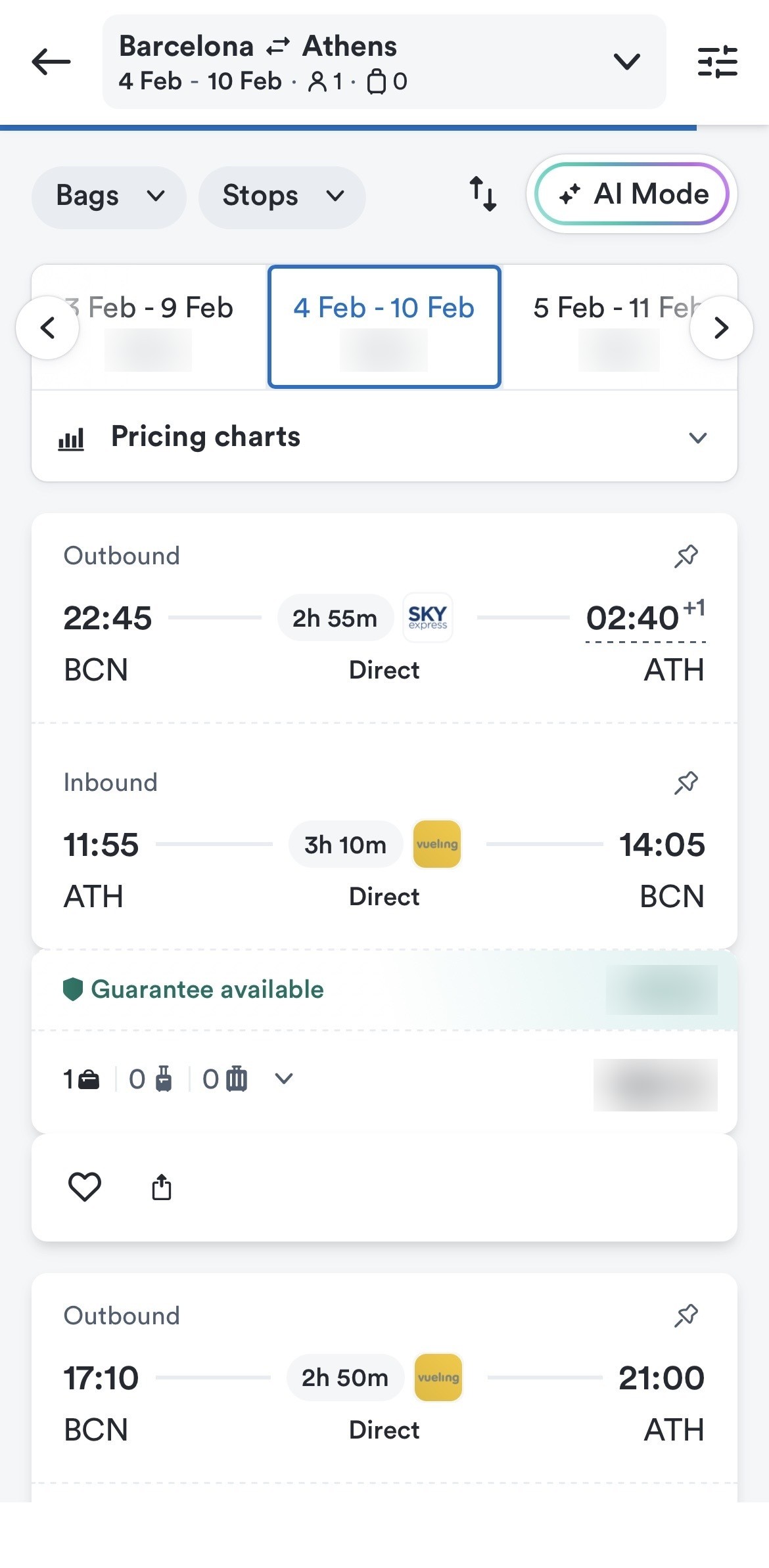
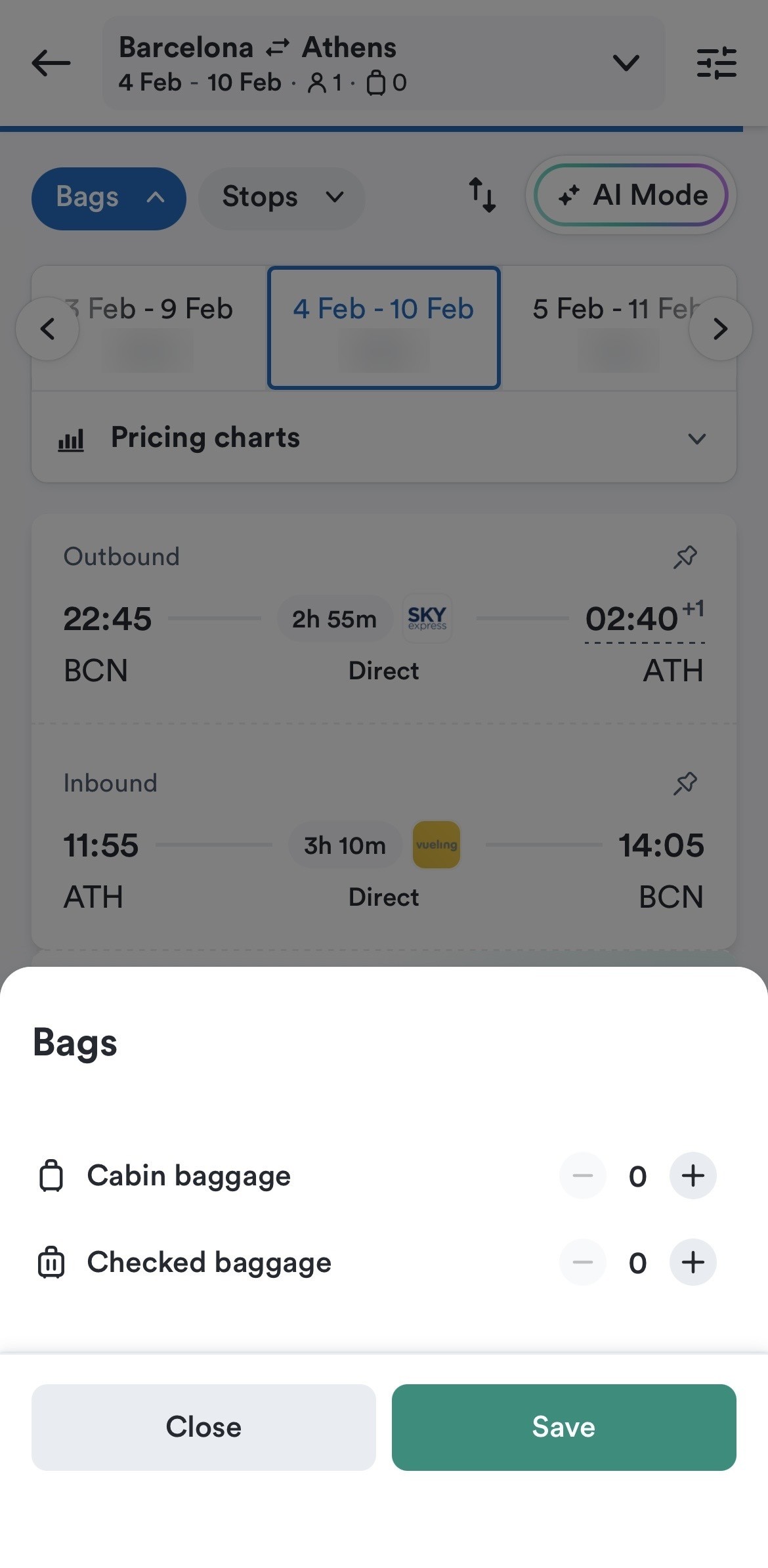
- See the total cost of tickets with baggage: Get a clear breakdown of your flight costs, including luggage, before you pay.
- Set price alerts: Get real-time price updates for your preferred itineraries, so you never miss a deal.
- Get live trip updates: Stay up to date with changes to your flights (if any).
- Monitor gate changes: Always be one step ahead with live departure gate information.
- Access your boarding passes: Keep your boarding passes handy right in the Kiwi.com app.
If you’re booking a self-transfer, you’ll need to collect and re-check your bags between flights, so leave at least 2–3 hours for domestic connections and 4–6 hours for international routes that require customs. You can add the Kiwi.com Guarantee at checkout on eligible bookings: if a delay or cancellation still breaks the connection, you get Kiwi.com Credit for a replacement flight or help applying for a refund from the airline. Kiwi.com paid out more than €10.4 million in immediate credits and refunds in Q2 2026.
The Best Apps for Finding Cheap Flights
Skyscanner, KAYAK and Hopper are good fits for finding fares . but they work similarly: users can check the prices across airlines and booking sites, then get redirected elsewhere to complete the purchase.
Google Flights is another popular option, although there’s no official app. Instead, you need to open it in your phone’s or laptop’s browser to search for airfares.
Skyscanner: Flexible Dates and Everywhere Searches
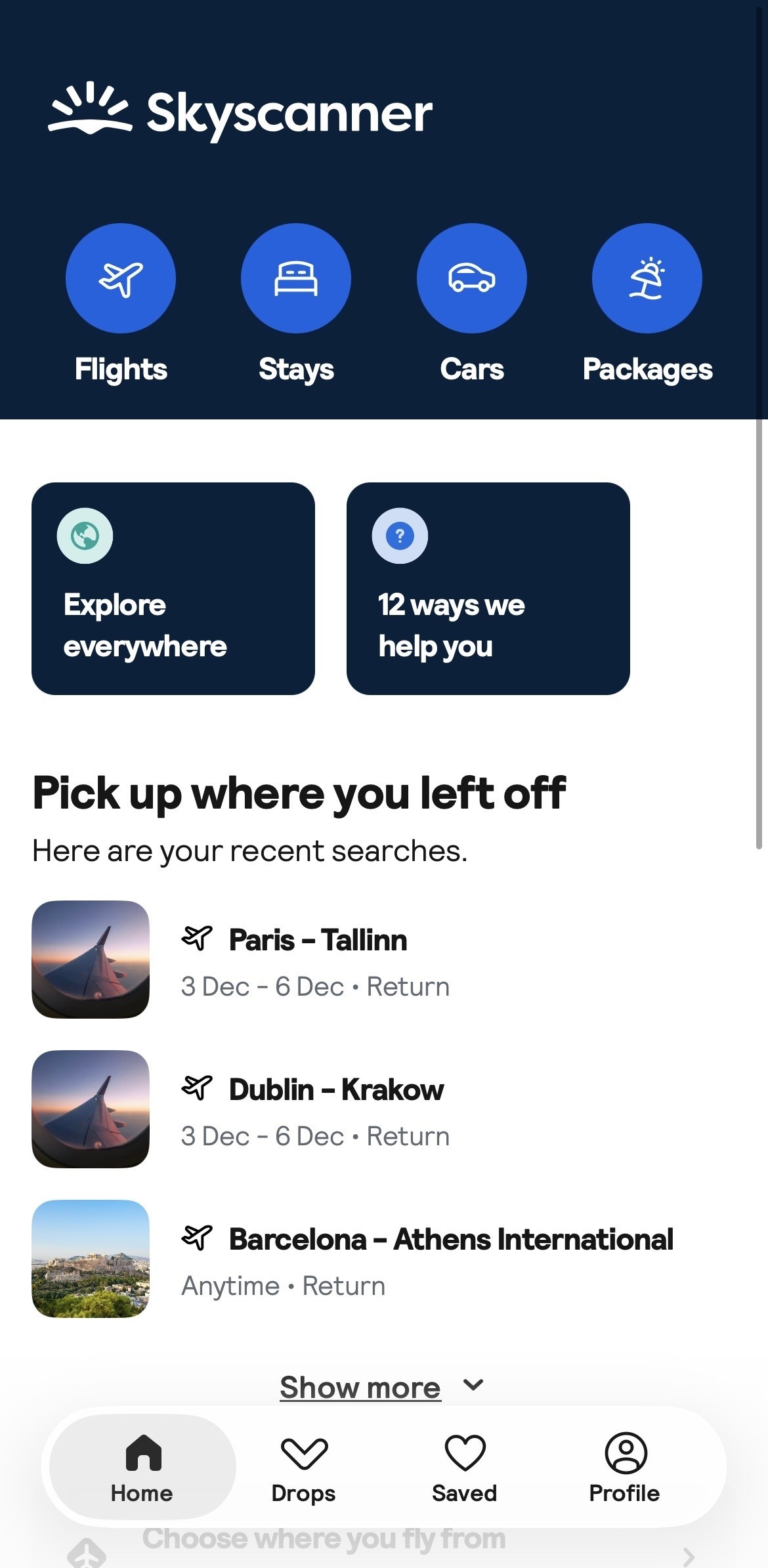
Skyscanner is particularly useful when you don’t have fixed travel dates or haven’t settled on a destination yet. Their ‘Everywhere’ search shows you
 how to find cheap flights to anywhere
by providing routes to all kinds of places, while the monthly calendar makes it easy to compare prices across different travel dates. There’s also a price alert feature, so you’re always notified when airfares go up or down.
There’s a small catch, though. Skyscanner redirects you to an airline or travel agency’s website to complete your booking. So, if you need to make changes or run into problems, you must contact the company you booked with directly, not Skyscanner.
KAYAK: Price Alerts and Detailed Filters
Nobody wants to keep checking airfares every few hours, and that’s where KAYAK’s price alerts can be convenient. Set an alert for that London to Tokyo route, and you’ll get updates in your inbox whenever the fare changes. Another helpful feature is the way they give you the option to filter by baggage, stopovers, and airports, giving you more control over your search.
There’s also KAYAK’s Ask AI. Describe your travel plans in writing, and the feature will suggest options that match your preferences. The only thing to watch out for is the booking process. KAYAK generally sends you to another website for payment, like Skyscanner, so you’ll need to deal with the provider if anything comes up.
Hopper: Deciding Whether to Buy Now or Wait
Not sure whether to book your flight now or wait a while until the prices drop?


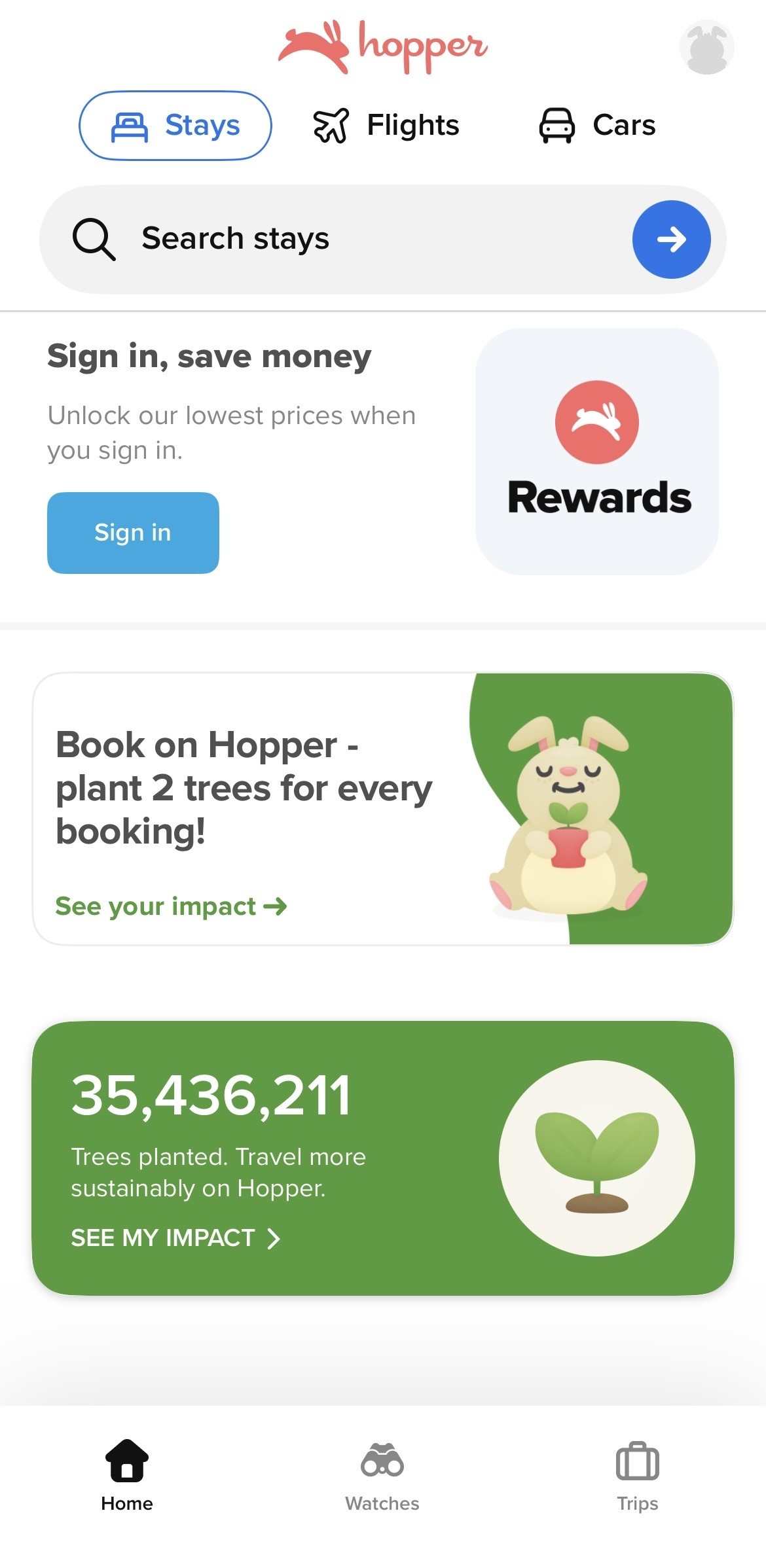 Hopper tries to take the guesswork out of it with its ‘Buy or Wait’ feature. It looks at fare trends and gives you a recommendation on whether to book straight away or wait a little longer. When they think the time is right, they’ll send you a notification so you know when to make your move. You can also book through the app.

 travel-hacks
The 6 Best Flight Search Engines for 2026
The 6 best flight search engines for 2026, from Kiwi.com and Skyscanner to Google Flights and KAYAK. See which fits your trip and how to pay less.
Read the guide
Of course, these are just predictions, not guarantees. The prices might not always end up as expected.
The Best Apps for Booking Cheap Flights
The best apps for booking cheap flights are those that allow you to search, book and manage everything on the platform itself. You should be able to book directly through the app, see baggage fees, and access all your booking details without jumping between platforms.
For itineraries combining different airlines, try Kiwi.com. Trip.com and Opodo are good options to consider for a more general booking experience.
Trip.com: Simple Bookings and Trip Management
The last thing you want to be doing is spending ages figuring out how to book a flight.
 Sometimes, a smooth booking experience is all that matters, and Trip.com does a pretty good job, as you’re able to keep track of your trip and all the other details directly in the app.
You’ll mainly find standard flight combinations rather than routes mixing carriers that don’t usually partner up on Trip.com. Additionally, if your airline makes a change to the schedule, you have to follow their rules and policies rather than Trip.com’s.
Opodo: European Bookings and Automatic Check-In
Opodo has made a name for itself as a suitable option for booking flights around Europe.
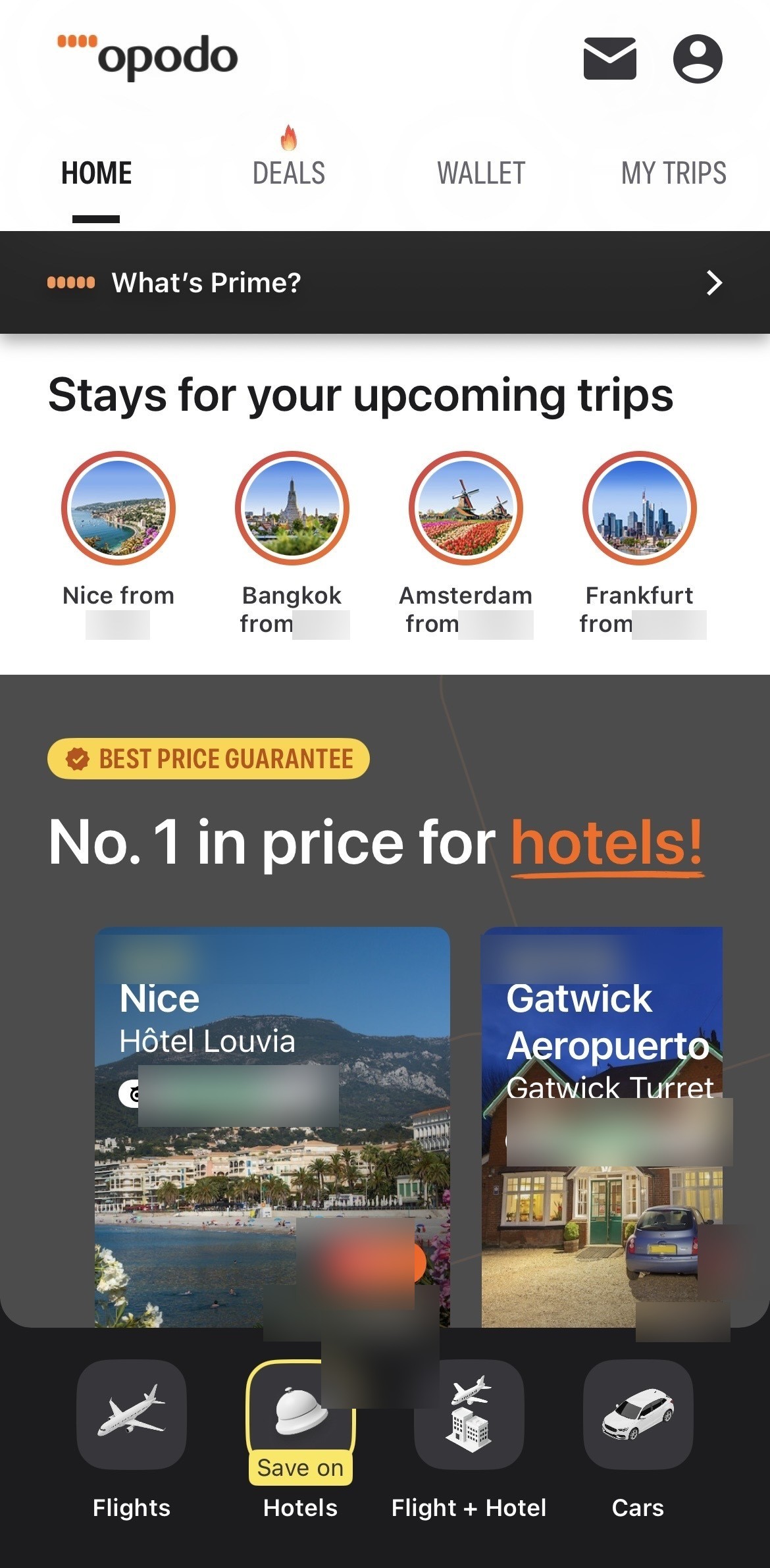 Their app makes managing your trip fairly straightforward, with built-in features like automatic check-in and real-time flight status updates.
Just pay attention to what’s included in the cheapest fares advertised on Opodo. Checked baggage may come at an additional cost, so the initial price isn’t necessarily what you’ll end up paying. Always review the total before completing your booking to avoid any surprises.
Which App to Download, and How to Pay Less
- If you want low-cost options around Europe, plan on visiting multiple cities or need to book last minute, download Kiwi.com.
- If you are flexible with your dates, download Skyscanner.
- If you have a fixed route and want to get the timing right, download Hopper.
Whichever app you choose, set up cheap flight alerts to track price changes. Don’t be fooled by the lowest airfares you see at first, either. Always check the total cost with your bags when using the best last-minute flight websites before deciding, as the final price can be different from the initial fare.
Find Cheap Flights With the Kiwi.com App
These are some of the best apps for finding cheap flights. Now it’s just a matter of choosing the fare that works for you, adding any bags or extras you need and booking your trip. With platforms like Kiwi.com, you can do it all in our app and even add extra protection, such as the Kiwi.com Guarantee on eligible self-transfers, just to be on the safe side.
Once you’ve checked out the FAQs below, download the Kiwi.com app and start your flight search .
Best App for Cheap Flights FAQs
Is it cheaper to book flights in an app than on a website?
Usually, no. Most of the time, you’ll see the same flight prices whether you’re using a mobile app or a website. However, some airlines and booking platforms, like Kiwi.com, occasionally have app-only deals that you won’t find anywhere else. So, it’s worth checking the app before booking.
Are cheap flight apps free to use?
Yes, many flight apps are completely free to download and use. You’ll only pay when you book a flight or add extras to your trip, such as the Kiwi.com Guarantee. Occasionally, some apps offer paid subscriptions for extra features or deal alerts, but you usually don’t need one for flight searching.
What is the best app for cheap flights in Europe?
For cheap flights around Europe, be sure to download an app that covers popular budget airlines like Ryanair, Wizz Air and easyJet. Kiwi.com is a good choice because you’re able to build one itinerary with lots of carriers, giving you more ways to get where you want to go. We’re also an approved Ryanair partner , so Ryanair fares appear at Ryanair’s own prices, directly through the Kiwi.com app.
What happens if a flight I booked in an app is cancelled?
First, you’ll need to check who sold you the ticket. It might be the airline, a travel agency like Kiwi.com or another booking provider. That’s generally who you’ll need to contact for help.
If you’ve added the Kiwi.com Guarantee to an eligible self-transfer booking, you’ll also have extra protection if a disruption affects your connection. Depending on the situation, you could receive Kiwi.com Credit for a replacement flight or help applying for a refund from the airline to help you get back on track.