




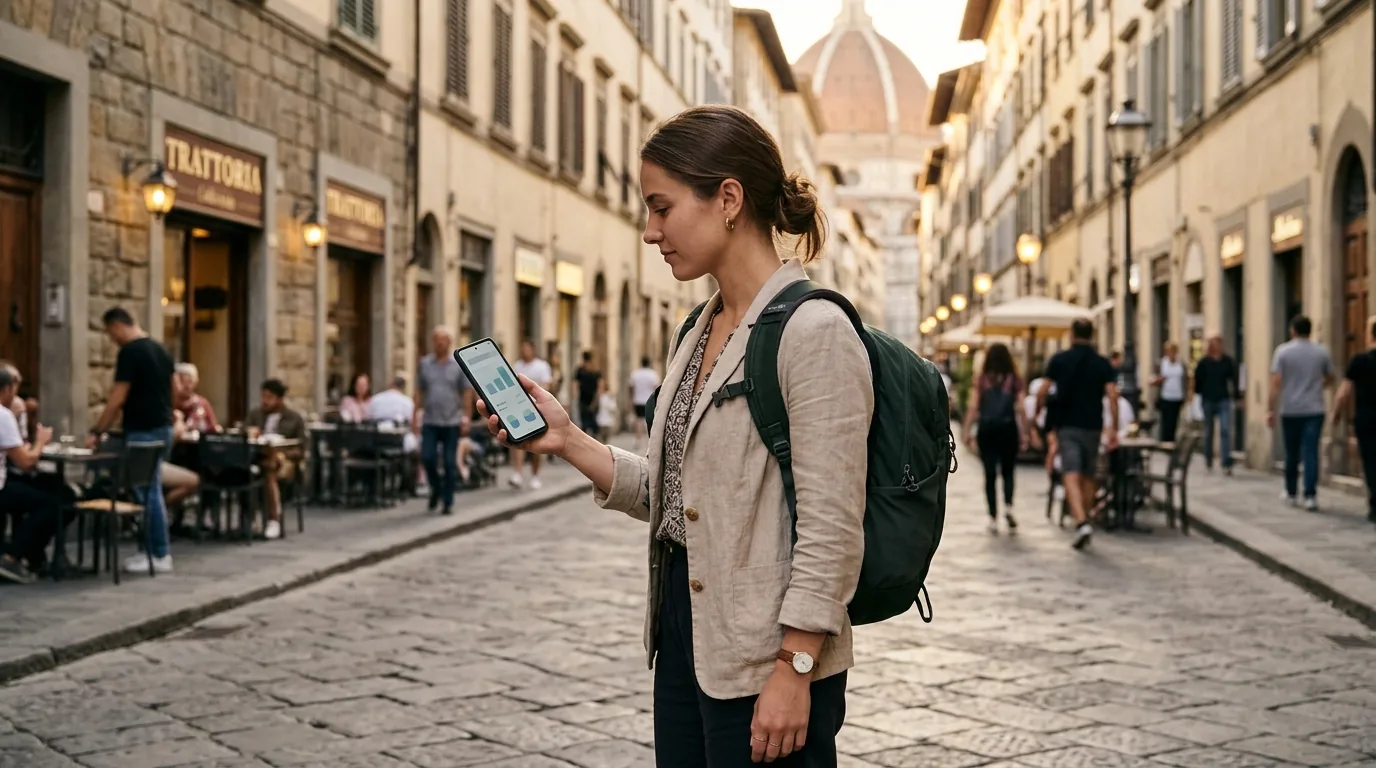

Your card is gone. Your stomach drops. Take a breath, because most of the damage can be stopped in about five minutes.
In this article
If you lost your card abroad (or it was stolen) this guide gives you the steps in order. You will see how to block a card abroad, how to freeze it while travelling, and how to keep your money safe. Start with the checklist, then read the rest before you travel, when you have time.
Do This Now: The First Five Minutes
Freeze or block the card in your banking app. This is the fastest step. Do it before anything else.
Call your bank’s 24/7 number. The number is in your app, on your bank’s website, or on the back of your second card. Say you are abroad and ask for a replacement.
Check your recent transactions. Look for payments you don’t recognise, even small ones. Report them to the bank right away.
Then, when you have a moment:
- If your card was stolen abroad, report it to the local police and ask for a written report. Your bank or insurer may ask for it.
- Note the time you noticed the card was missing and the time you blocked it.
- Don’t wait to see if the card turns up. If you find it later, you can usually unfreeze it in the app.
Freezing vs. Cancelling: What’s the Difference?
Banks use different words, such as freeze, lock, block or cancel. The idea is the same.
| Freeze | Cancel | |
|---|---|---|
| What it does | Pauses the card | Ends the card for good |
| Can you undo it? | Yes, in the app | No |
| New card number? | No | Yes |
| Best when | You think you misplaced it | It was stolen, or you see payments you didn’t make |
If you are not sure, freeze first. It takes seconds, and you can cancel later. But if there is any sign of theft or fraud, cancel and order a replacement.
Before You Go: Travel Money Safety Tips
A lost card is a small problem if you prepared. Do these four things before you travel:
- Take two cards from different accounts. Keep them in different places, for example one in your wallet and one in your hotel room or day bag. If one is lost, the other still works.
- Save your bank’s emergency number offline. You may not have signal or battery when it happens. Put it in your notes, on paper, or in a screenshot.
- Turn on transaction alerts. You will see every payment in real time, so you spot misuse fast.
- Check your spending limits. Lower your daily limits for ATM and card payments, and raise them only when you need to. A thief can’t take much if the limit is low.
If you are still choosing where to go, browse the cheap flights hub and plan the trip around a good fare.
Common Risks Abroad (and How to Avoid Them)
ATM skimmers
Skimmers are devices that copy your card details at a cash machine or a payment terminal. Europol’s card safety guide has simple rules:
- Shield the keypad with your hand and body when you type your PIN.
- If the machine looks odd or tampered with, don’t use it. Report it.
- If someone crowds you, pick another machine or cancel.
- Keep your card in sight when you pay.
- Use ATMs inside banks or in busy, well-lit places when you can.
Dynamic currency conversion
At a terminal or an ATM, you may be asked: pay in the local currency or in your home currency? The second option sounds friendly. It is often the more expensive one, because the shop or ATM operator sets the exchange rate.
Always choose the local currency. Your own bank will convert it, and you avoid the shop’s or ATM’s own mark-up. In the EU, you should be shown the conversion charges before you pay, so read the screen first.
Fake Wi-Fi
Criminals sometimes set up a hotspot with a name like “Airport Free WiFi”. If you join it, they can see what you do online.
- Don’t do your banking on public Wi-Fi. Use mobile data instead.
- Ask staff for the exact network name before you connect.
- Turn off auto-connect on your phone.
Fraud after the trip
Card details can be copied on day one and used weeks later. After you get home, check your statements for a month or two. Look for small payments, too. If something looks wrong, call your bank. If your card was lost or you suspect a skimmer, ask for a replacement even if you got the card back.
Also, never share your PIN. Not with anyone who calls you, even if they say they are from your bank or the police.
Your Phone as a Backup
If your wallet is gone but your phone isn’t, Apple Pay or Google Pay can keep you going. Many shops and transport systems accept contactless phone payments, and you can pay for your booking on Kiwi.com with them too.
Three things to know:
- Set up the wallet before you travel, and add both of your cards if you can.
- If you cancel the lost card, the version in your phone wallet may stop working, too. Ask your bank how it handles this. Some banks let you add the new card details to your wallet straight away.
- Lock your phone with a PIN or biometrics. If your phone is lost as well, use your phone’s “find my device” feature to lock it or wipe it.
Find flights for this trip
Emergency Cash Options
If you are stuck without a working card, you have a few options:
- Your second card. This is why you packed it.
- A phone wallet at a contactless ATM. Some machines let you take out cash with your phone. Not all of them do.
- Your card network’s emergency service. Visa and Mastercard both run global assistance lines for lost or stolen cards. Through your bank, they can arrange an emergency replacement card or emergency cash abroad. What you get depends on your bank and your card, so ask before you travel.
- A money transfer from someone you trust. A family member can send you money through a money transfer service. You collect it with your passport.
- A small cash stash. Keep a little emergency cash in a separate place, in the local currency.
Keep Your Kiwi.com Booking and Account Safe
Your travel plans need protecting, too. A few simple rules:
- Only pay on the official site or app. Go to kiwi.com or open the official Kiwi.com app yourself. Don’t follow links in unexpected emails or messages.
- Keep your trip details in the app. Your booking, boarding passes and flight updates are in one place, so you don’t need to search old emails.
- Check the address before you pay. Look for the correct domain, and be careful with sites that look similar.
- Check the total price. Our guide to Kiwi.com fees explains what the price can include, so nothing surprises you at checkout.
- Use a strong, unique password for your account, and never share it.
- Check your payment options. Kiwi.com accepts cards, Apple Pay, Google Pay and other methods, so you have a plan B if your card is gone.
FAQ
Should I freeze or cancel my card?
Freeze it first if you are not sure. Cancel it if you think it was stolen or you see payments you don’t recognise.
Can I still pay with my phone if my card is blocked?
It depends on your bank. A blocked or cancelled card can stop working in your phone wallet, too. Ask your bank before you travel, and add a second card to your wallet.
Will I get my money back if someone uses my card?
In the EU, if someone uses your card without your permission, you can be asked to pay a maximum of €50. If you didn’t know the card was lost or stolen, for example because it was cloned, you generally don’t pay anything. Once you report the loss, you are generally not liable for later payments. None of this applies if you acted fraudulently or with gross negligence, for example by writing your PIN on the card. Rules can differ outside the EU, and some banks offer more protection. Check your bank’s terms. See Your Europe for details.
Is it safe to use public Wi-Fi for banking?
It is better not to. Use mobile data for banking and payments.
Is it better to pay in the local currency?
Yes. When a terminal or ATM offers to charge you in your home currency, say no and choose the local currency.
Ready for Your Next Trip?
A lost card is stressful, but it doesn’t have to ruin your trip. Freeze it fast, keep a backup, and pay only on official sites.
Ready to plan the next adventure? Search flights on Kiwi.com and book with confidence. Or grab a spontaneous deal on the last-minute flights page if you’re ready to go soon.